

WhatsApp marketing and support
Talk to every customer on WhatsApp. Skip the busywork.
Broadcasts, a shared inbox, chatbot flows and AI replies on one WhatsApp number. Hindi and Hinglish included.
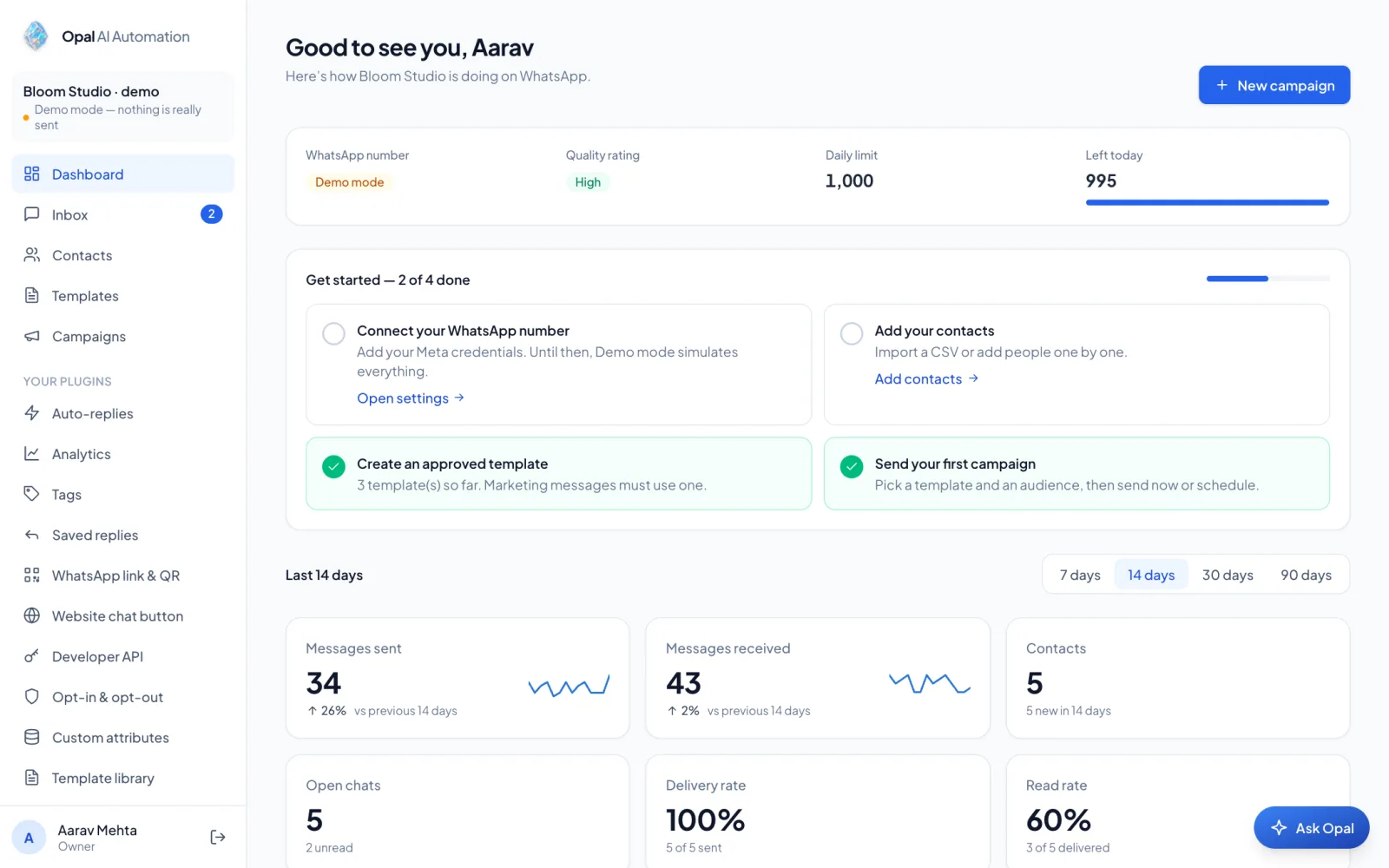
- OfficialMeta WhatsApp Cloud API
- 24-hourreply window handled for you
- STOPopt-outs respected everywhere
- 3 languagestemplate writer and AI replies
The product
One number, the whole customer conversation
Real screens from Demo mode.
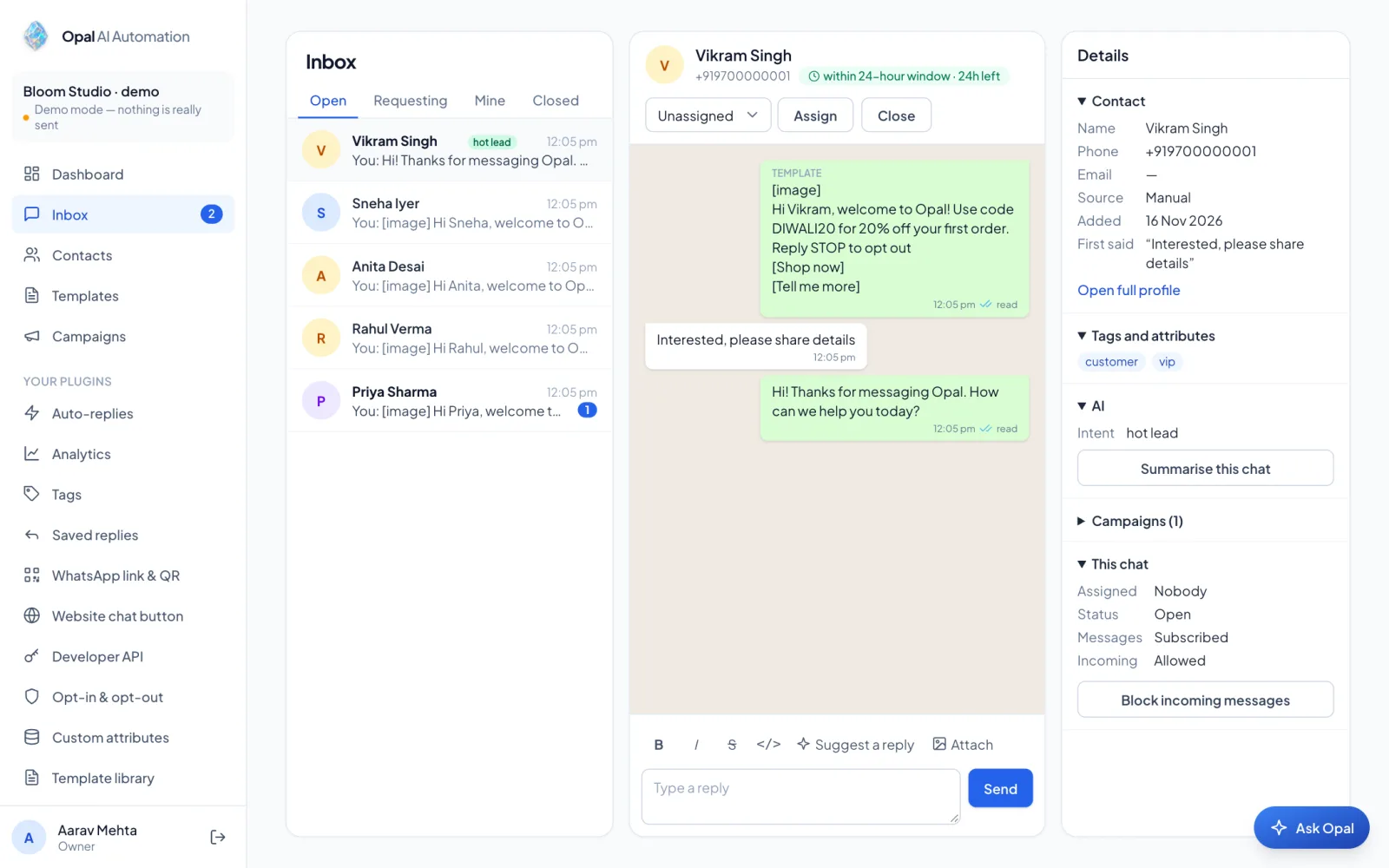
Shared inbox
One inbox for the team
Every chat in one place, with the 24-hour reply window shown on each.
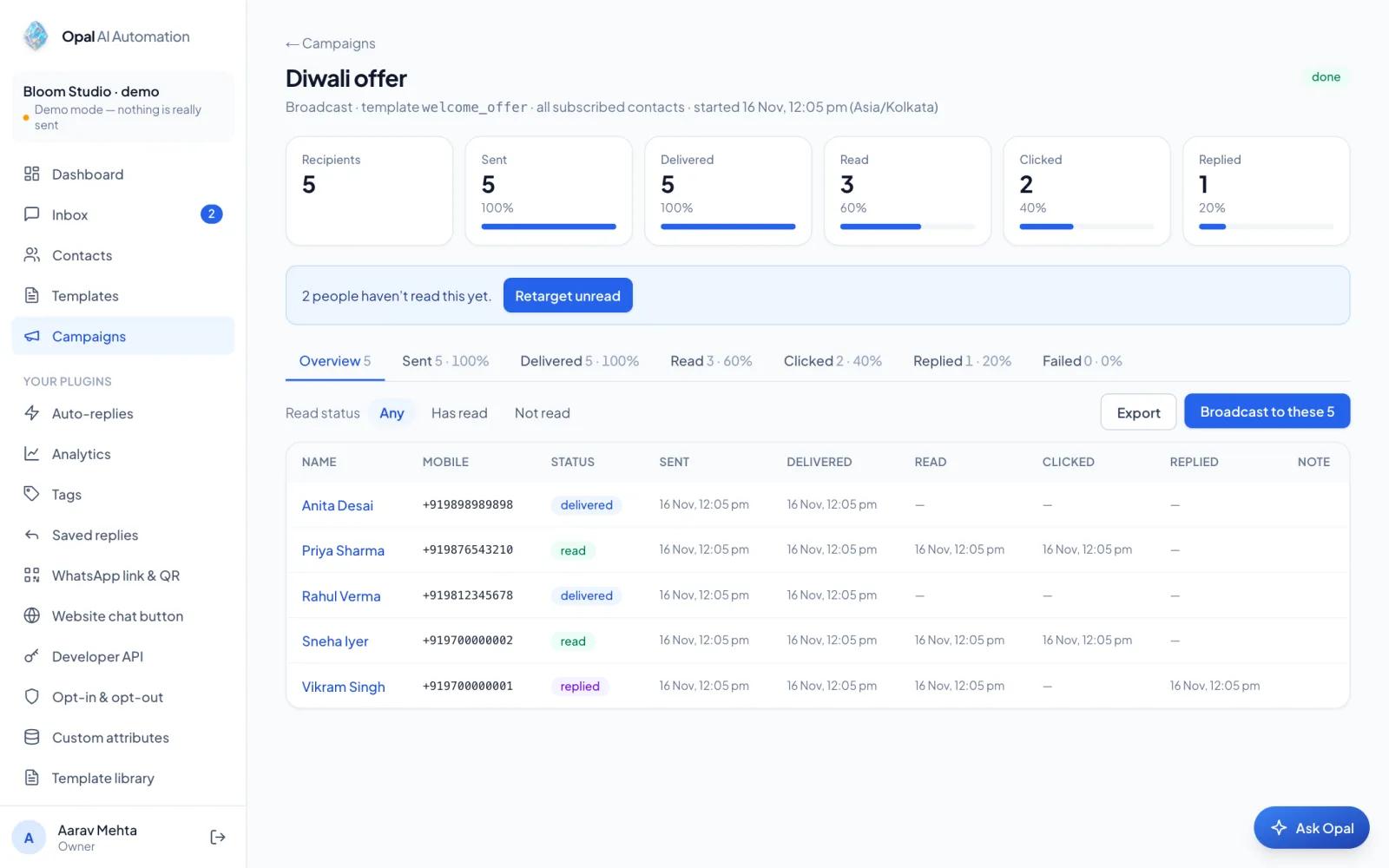
Campaigns
Broadcasts that report back
Send approved templates and watch each message go from sent to read to replied.
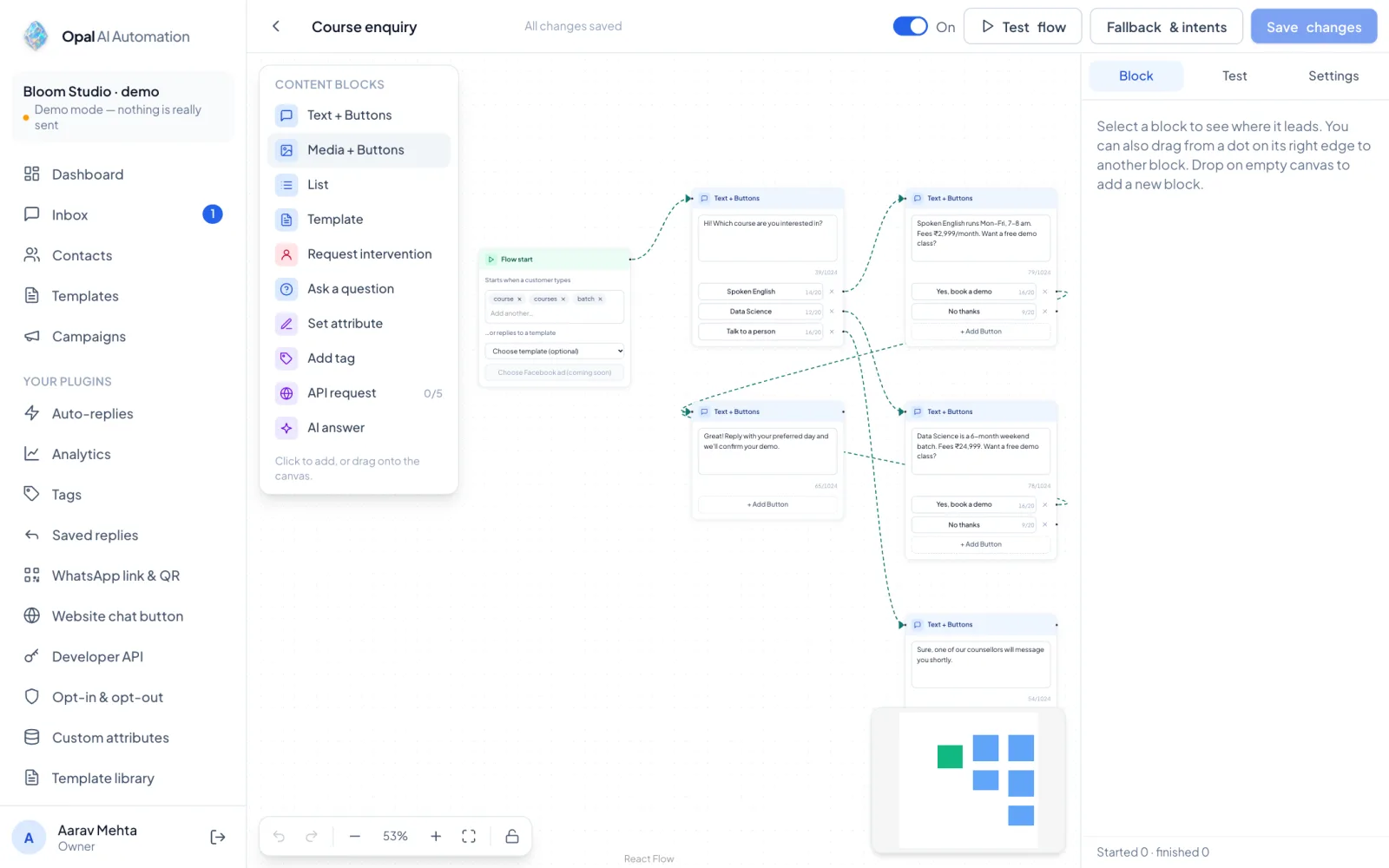
Chatbot flows
Build chats on a canvas
Drag blocks for buttons, questions, tags and a hand-over to a person.
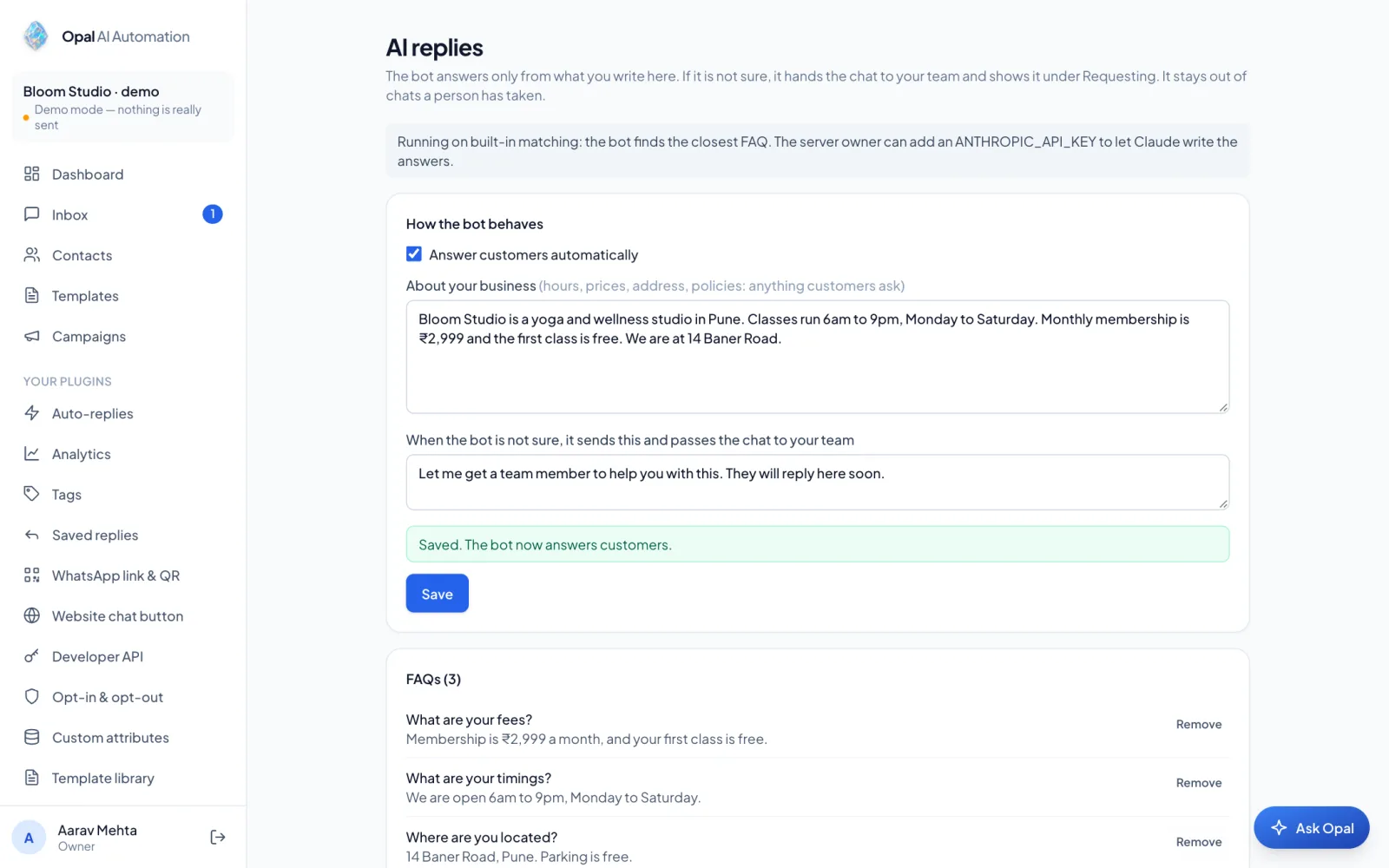
AI replies
Answers from your own FAQs
The bot answers only from what you write, and hands over when it is unsure.
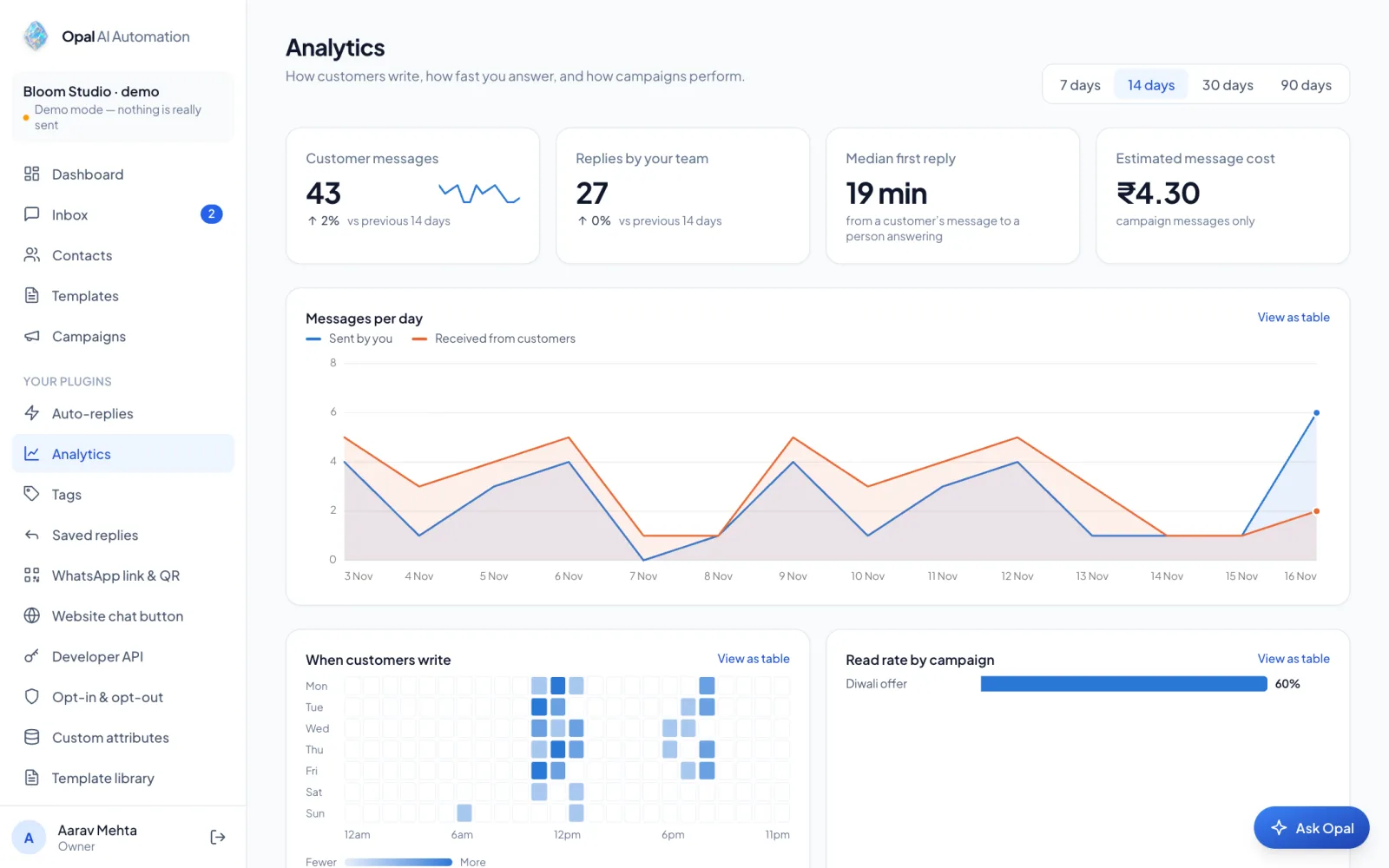
Analytics
See what worked
Delivery and read rates, best sending hour and campaign comparison.
Everything included
Switch on only what you need
Anything you do not use stays out of your sidebar.
Broadcast campaigns
Approved templates, filters, scheduling and a live funnel.
Team inbox
Assign, close and reply together, with roles.
Chatbot flows
A visual canvas with buttons, questions and tags.
AI replies
FAQ answers, tags, summaries and suggested replies.
Hindi, Hinglish, English
Write templates in three languages, with a policy check.
Contacts and segments
CSV import, tags, custom fields and opt-outs.
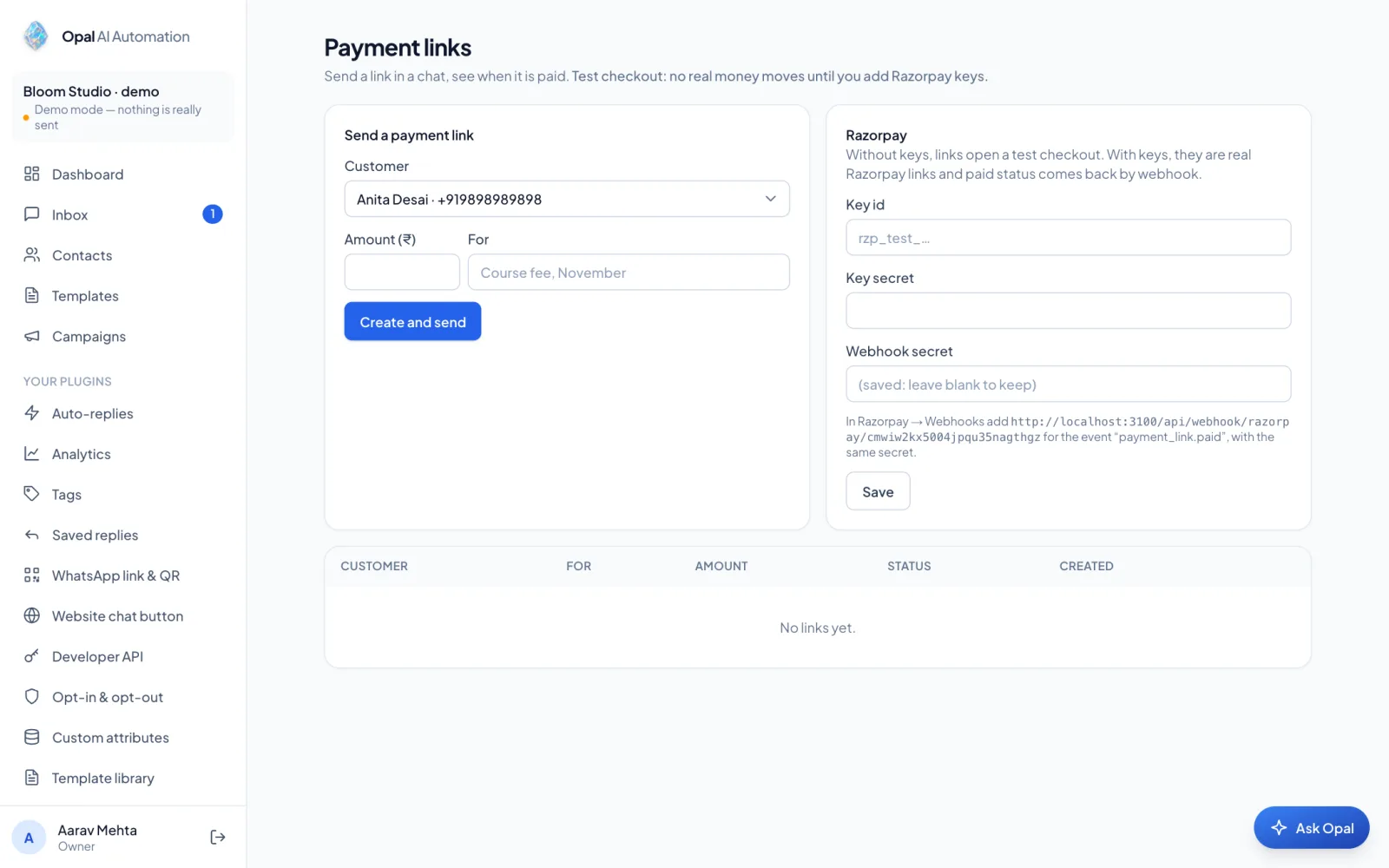
Payment links
Send an amount in the chat. Marked paid automatically.
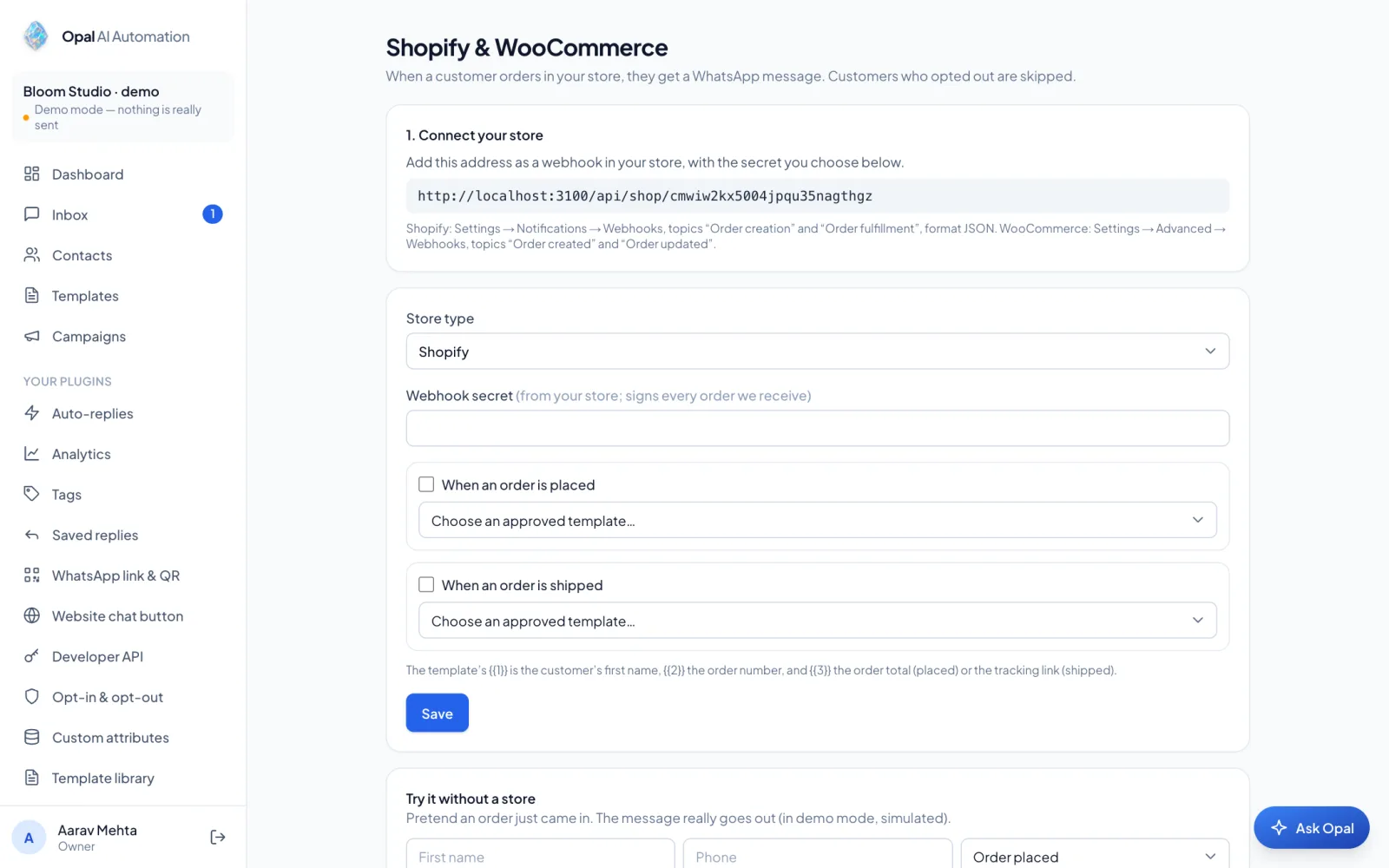
Shopify and WooCommerce
Order placed and shipped messages from your store.
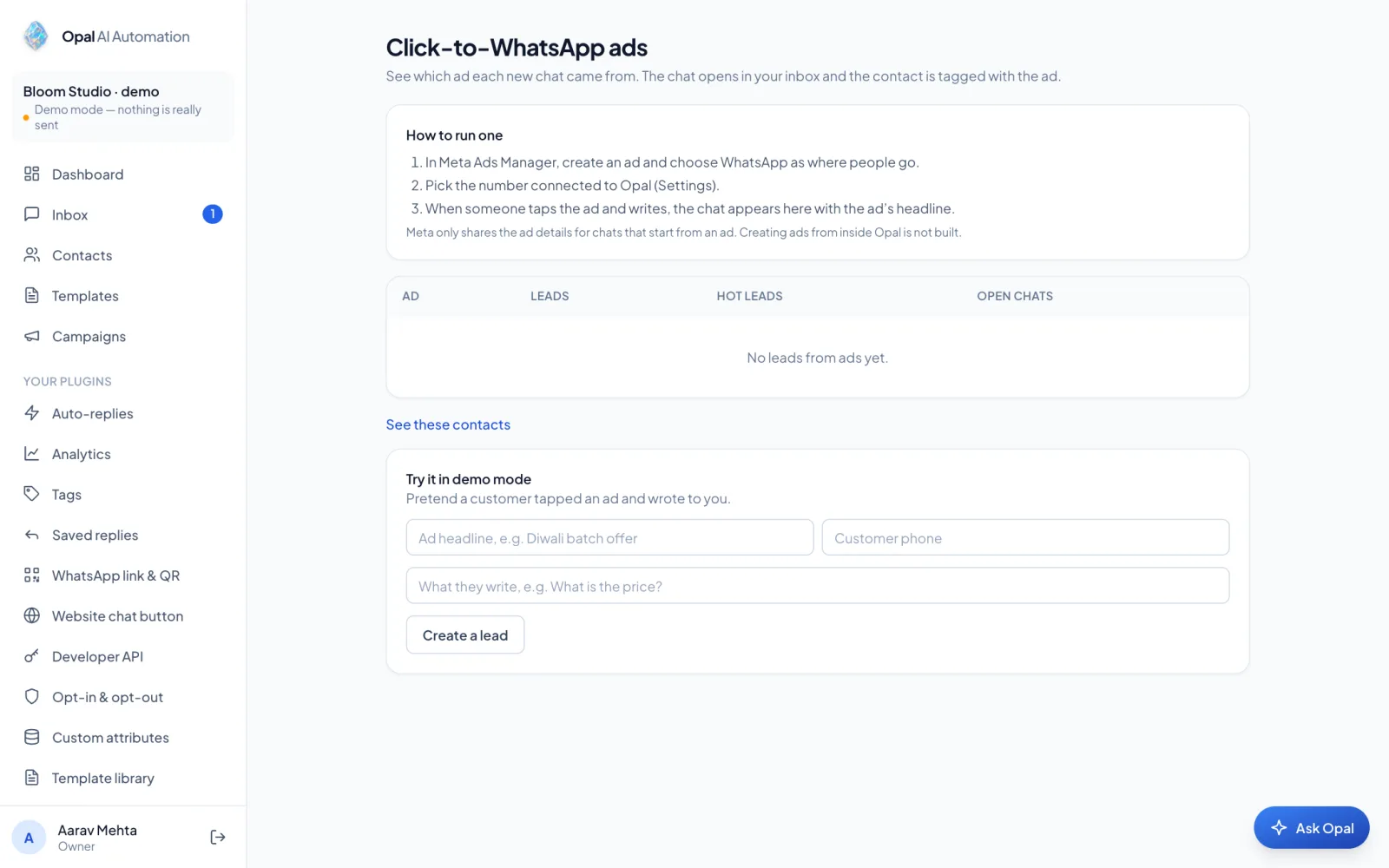
Click-to-WhatsApp ads
See which ad started each chat.
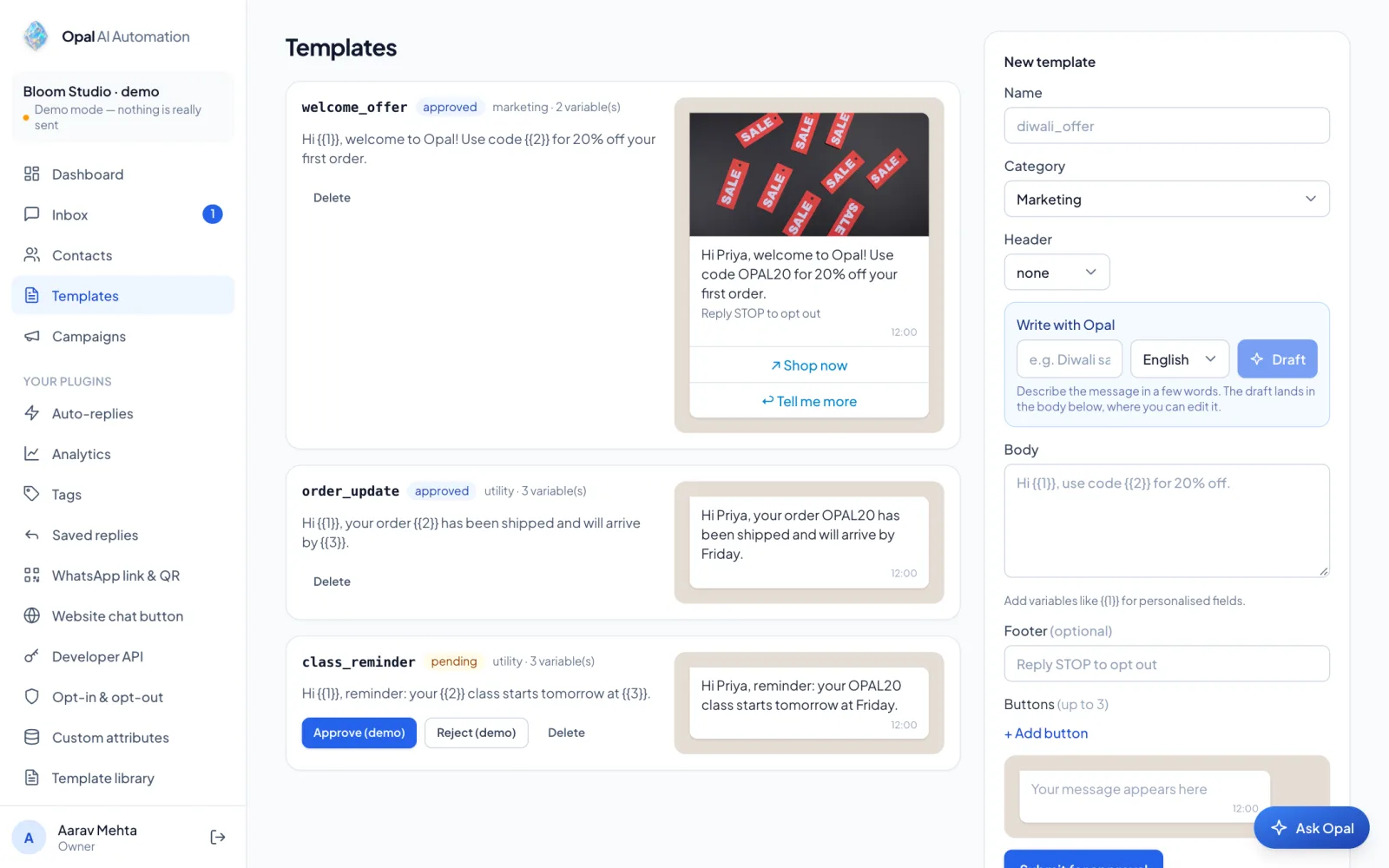
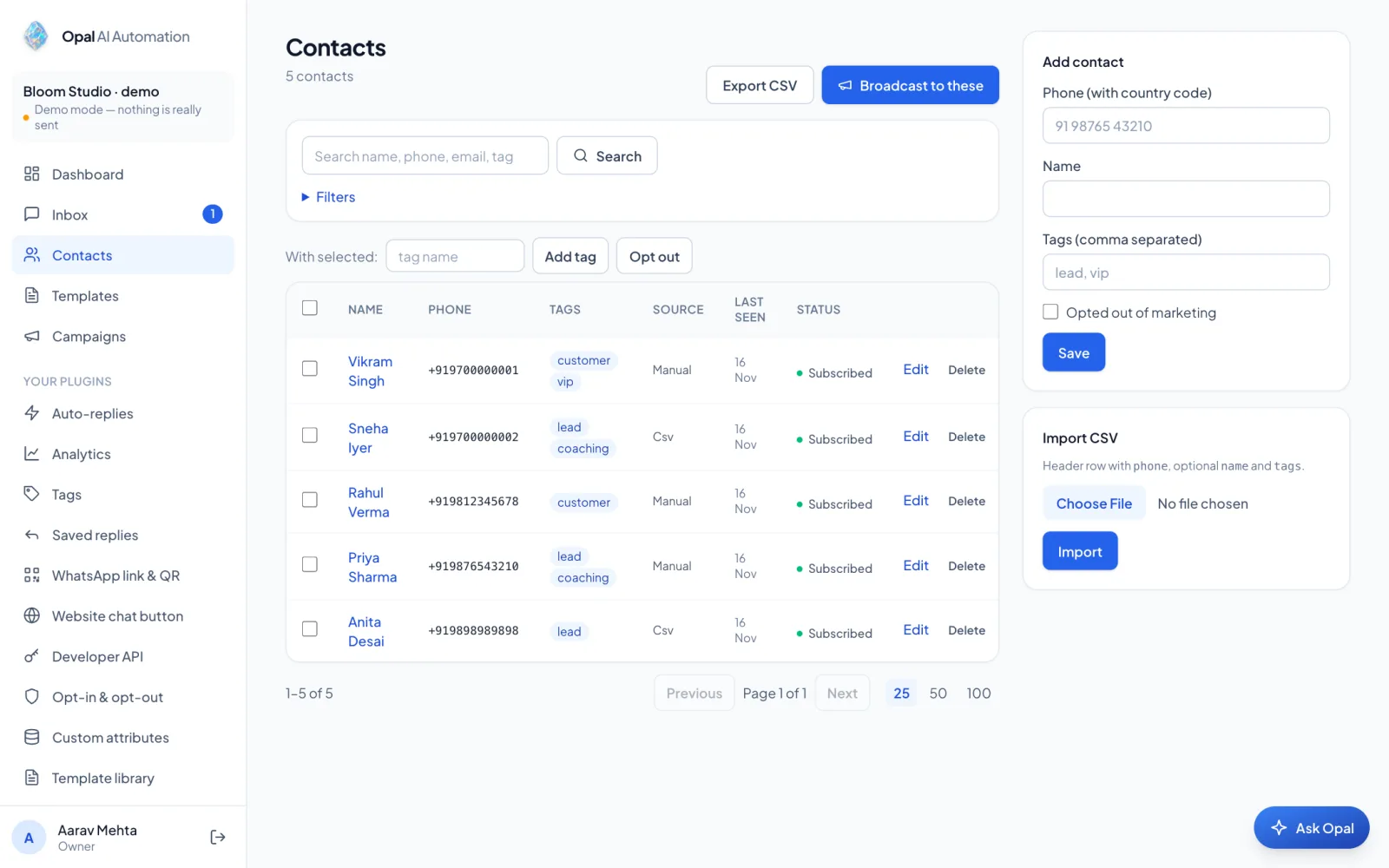
More screens
See more of Opal
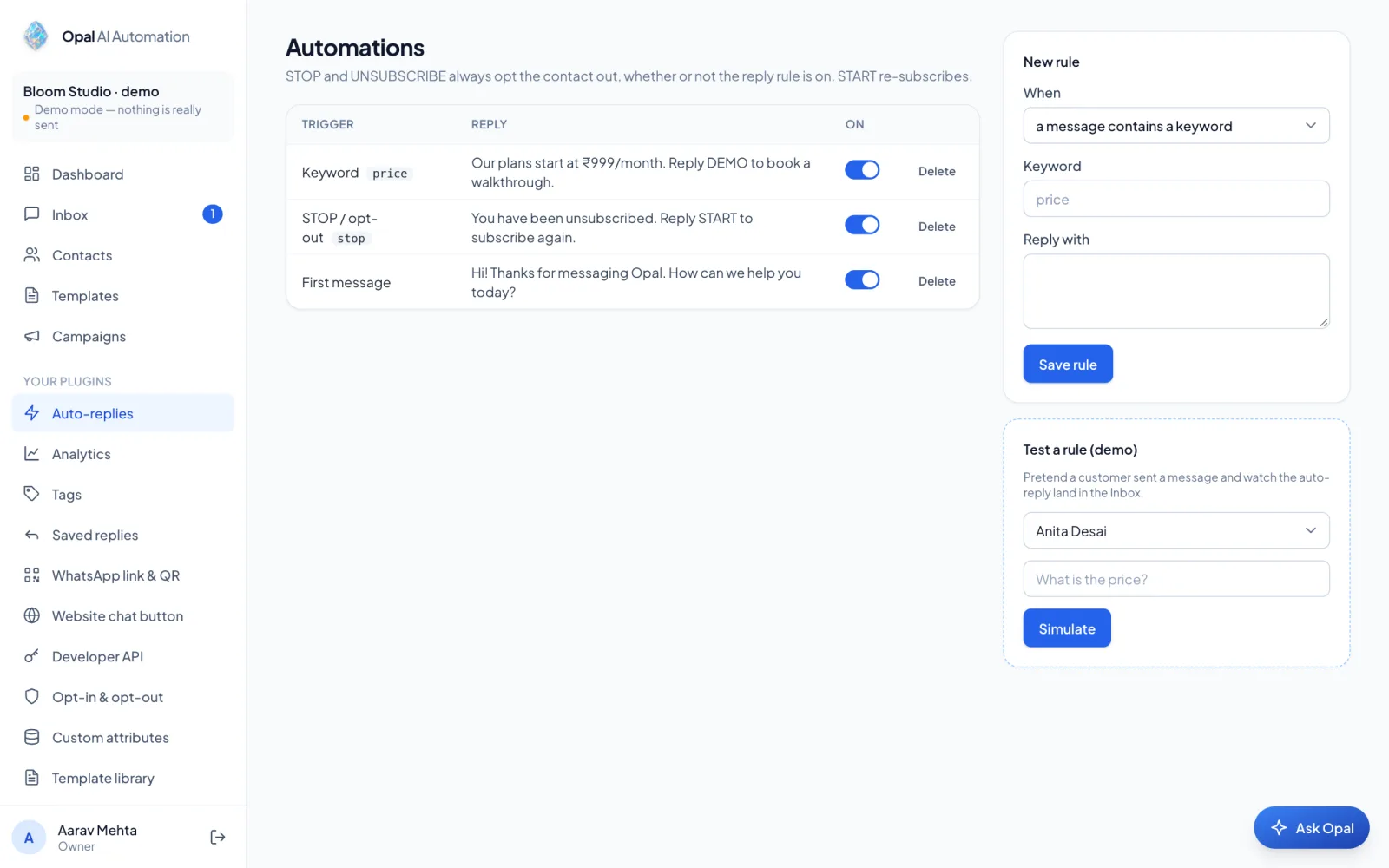
Templates, contacts, rules, payments, orders and ads.
How it works
From sign-up to first campaign in an afternoon
Try it in Demo mode
Your workspace arrives with sample data. Sending is simulated.
Connect your number
Add your Meta credentials and point the webhook at Opal.
Send, reply, improve
Get templates approved, send a campaign, answer chats as a team.
Careful by default
Built so you do not get your number blocked
WhatsApp punishes spam. Opal's defaults keep you safe.
Opt-outs are final
STOP is honoured and opted-out contacts are skipped.
Quality rating in view
Quality and daily limit sit on your dashboard.
Secrets stay secret
Tokens and API keys are encrypted at rest.
Roles for your team
Owners, managers and agents see only what they should.
Questions
Good to know
Can I use Opal today?
Opal is in early access. We set up a Demo-mode workspace with you, then connect your WhatsApp number when you are ready.
Do I need a WhatsApp Business account?
To send real messages, yes: a Meta business account and a phone number. Demo mode needs nothing.
Who approves the templates?
Meta does. Opal helps you write them in English, Hindi or Hinglish and flags risky wording.
What does it cost?
WhatsApp charges per conversation and Opal shows the estimate before you send. Opal's own prices are agreed during early access.
Where is my data kept, and are my keys safe?
Your data stays in your workspace. Tokens and API keys are encrypted and never shown back.
Will it message people who opted out?
No. STOP opts a contact out and they are skipped in every campaign.
Does the AI make things up?
The AI answers only from the FAQs you write, and hands the chat to a person when unsure. It is off until you switch it on.
See Opal with your own use case
Tell us what you sell and who you talk to. We will show you the flow in Demo mode.